Try It Out
Once onboarding is complete, interact with the Partner Web API directly in the API Reference using the Developer Portal.
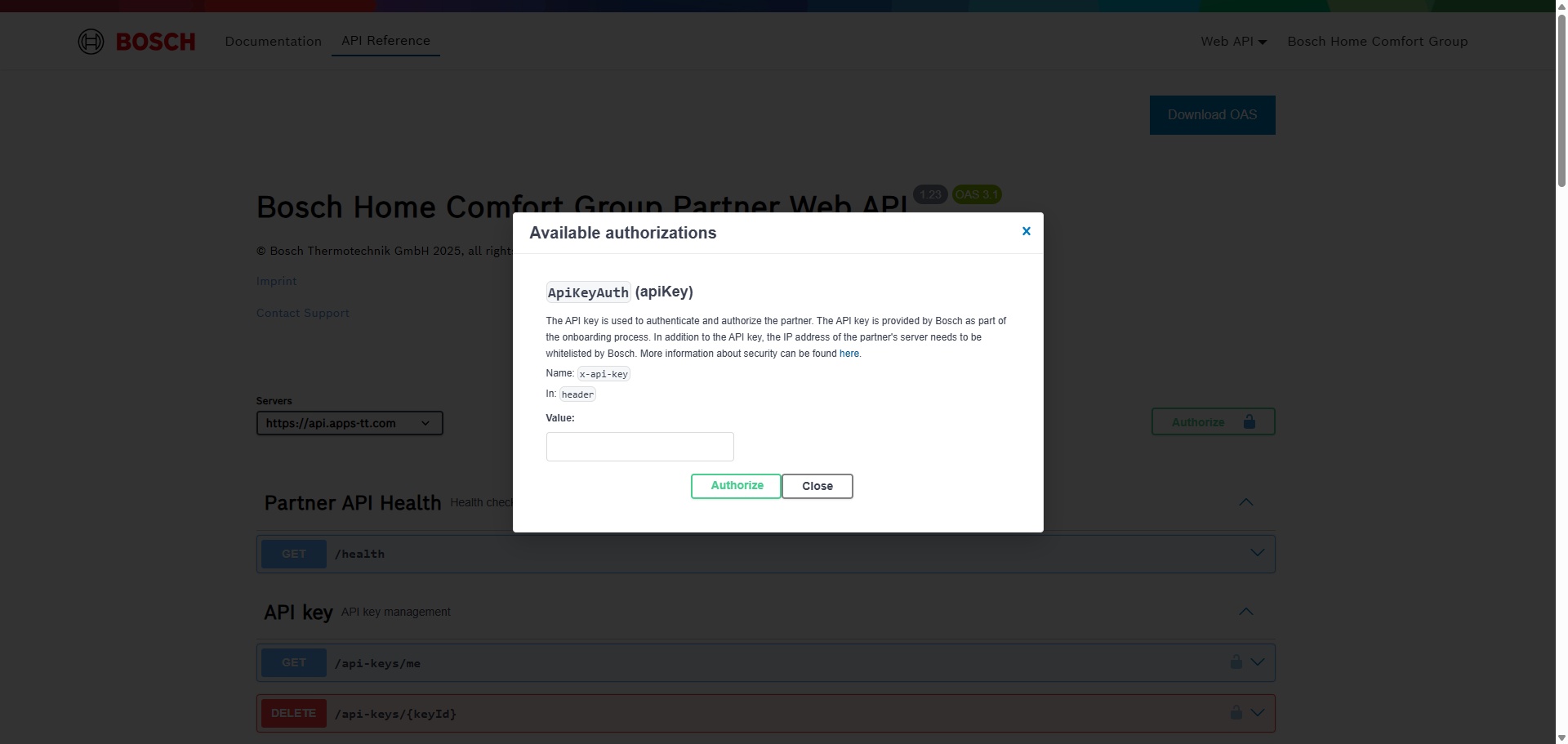
1. Authorize with an API key
Click the Authorize button and enter a valid API key:
2. Execute requests
- Expand the desired endpoint
- Click Try it out
- Fill in any required path parameters or adapt the pre-filled request body
- Click Execute to send the request
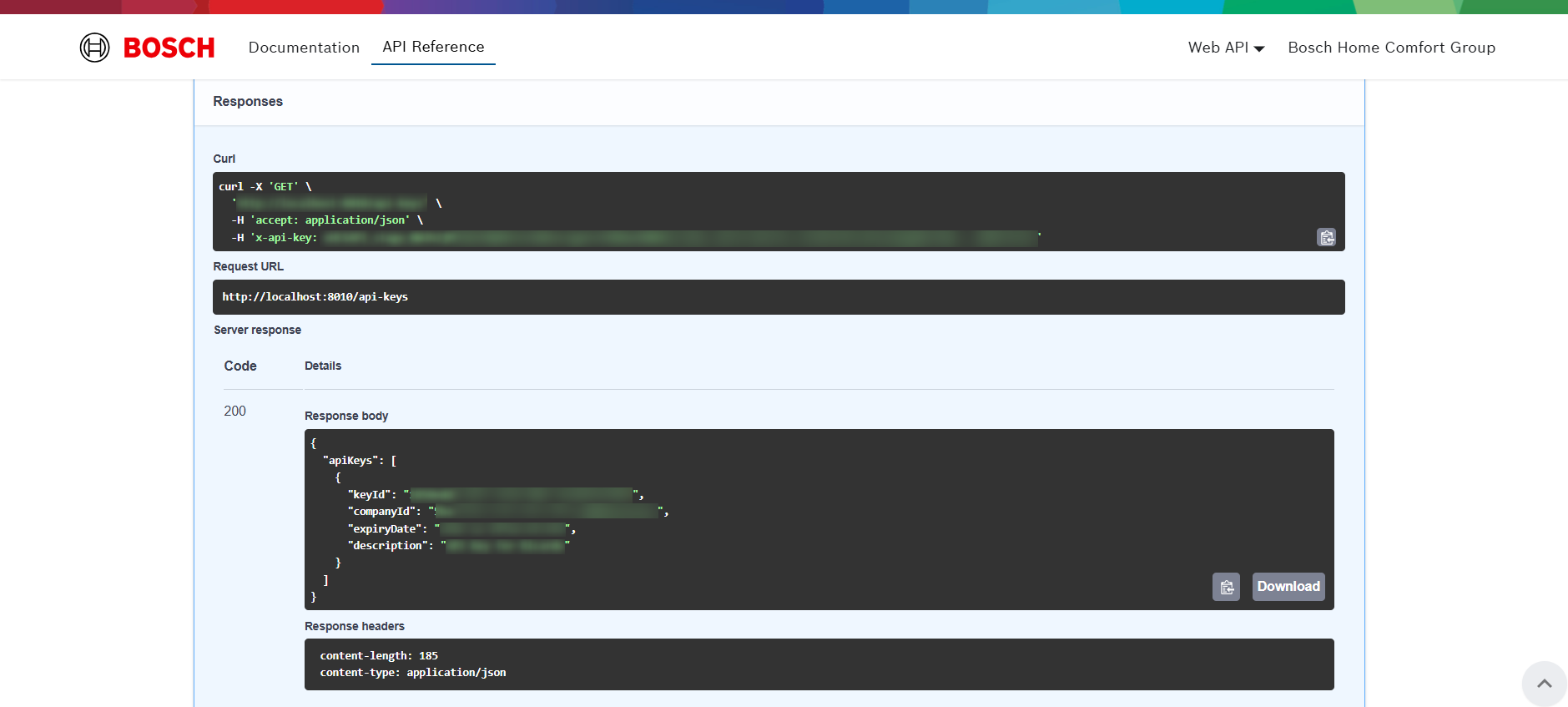
Response details will be shown below: